Wavetrack
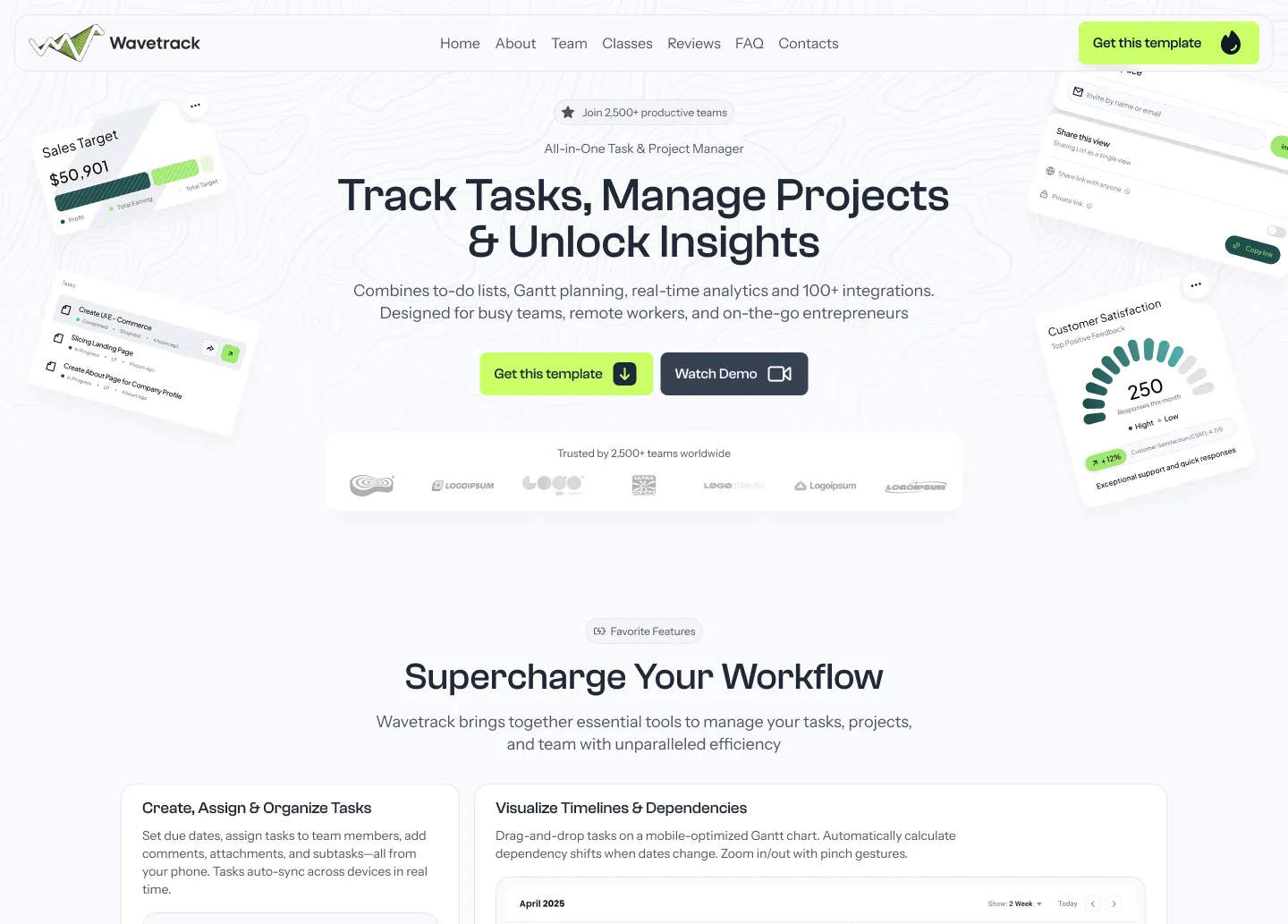
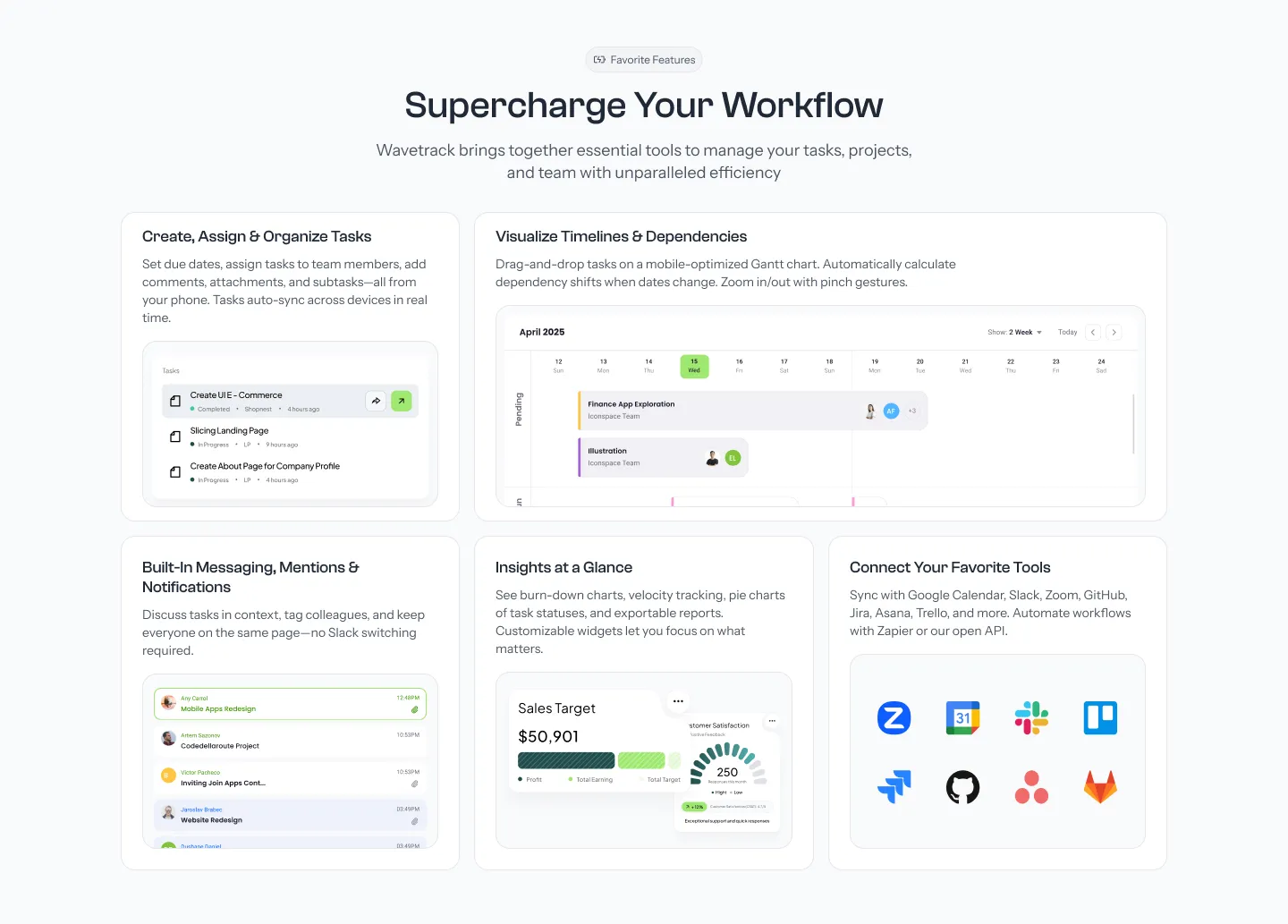
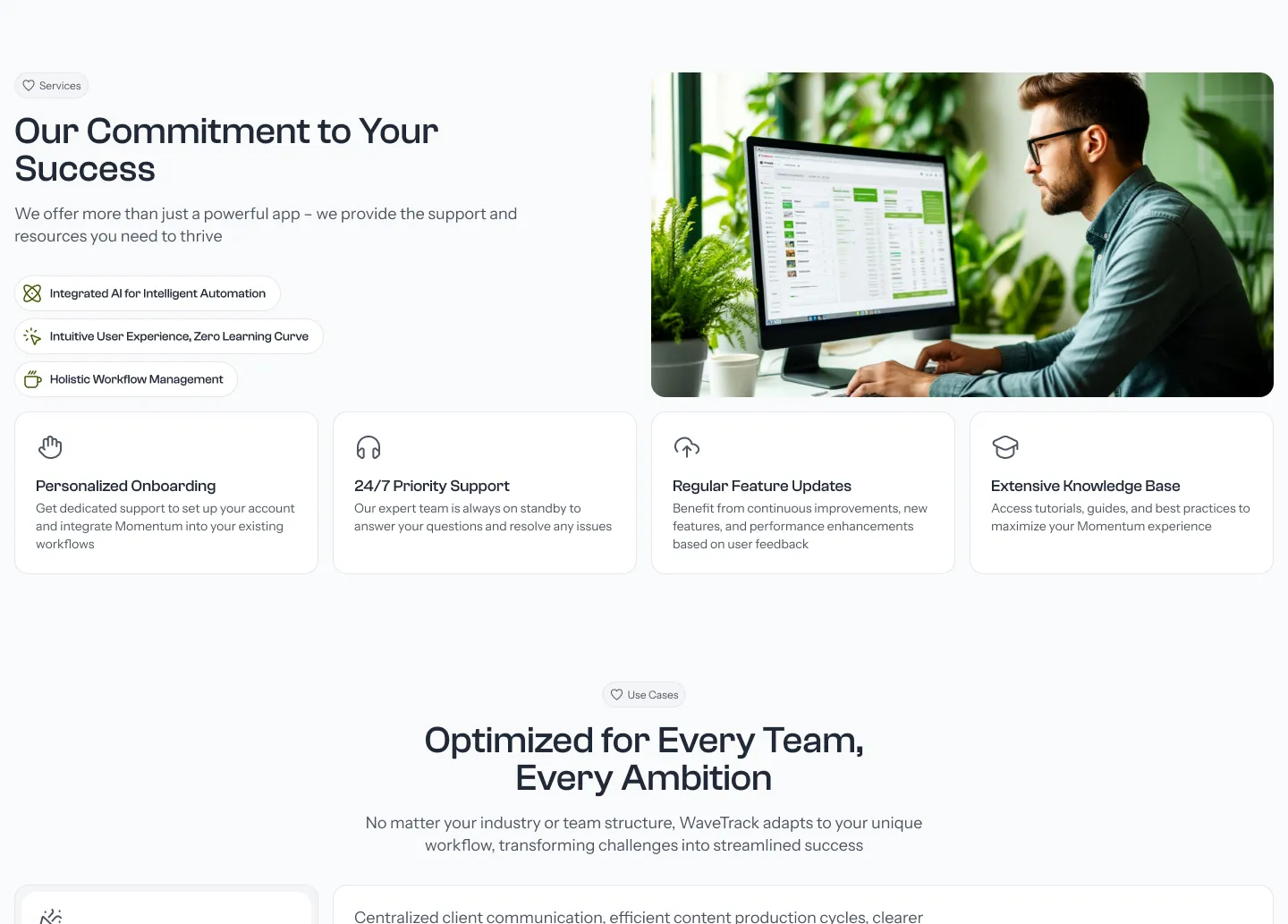
A modern website template designed to help you launch your SaaS or digital product. Best fits for startups, software products, and analytics tools.



Specification
- Astro v7 with a static page setup
- Tailwind CSS v4 - tokens defined in src/styles/global.css
- Tailwind-Merge for managing conflicting classes
- CVA - Class Variance Authority for component styles
- Unplugin icons - Use any icon from icon-sets.iconify.design
- AOS - On Scroll Animations
- Swiper v14 - For carousels and testimonials
- Three.js v0.183 - WebGL dither hero background
- PhotoSwipe integration for image galleries
Features
- 25+ Reusable Components - Modular building blocks for custom pages
- Versatile Button Component - Multiple variants, sizes, and icon positions
- Content Collections - Type-safe Markdown content management
- Blog Grid with Pagination - Clean layout for article listings
- Individual Post Pages - Optimized layout for reading experience
- Category System - Organize content with customizable tags
- Table of Contents - Automatically generated for long-form content
- Rich Typography - Beautiful reading experience with Tailwind Typography
- SEO Optimization - Structured data, meta tags, and optimized markup
SEO Optimization
- Structured Data - JSON-LD for Local Business and FAQs
- Meta Tags - Comprehensive meta tags for better search visibility
- Semantic HTML - Proper heading hierarchy and landmark regions
Getting Started
Prerequisites
- Node.js 18 or higher
- Bun (recommended) or npm
Quick Installation
- Extract the template files to your project directory
- Install dependencies:
# Using Bun (recommended) bun install # Using npm npm install - Start the development server:
# Using Bun bun dev # Using npm npm run dev - Open your browser and visit http://localhost:4321
Easy Customization
Branding & Colors
Edit the tailwind.config.mjs file to customize colors, fonts, and other design tokens to match your brand identity.
Content Management
Most content can be edited in the src/config.ts file, including:
- Site metadata
- Navigation menu
- Hero section content
- FAQ items
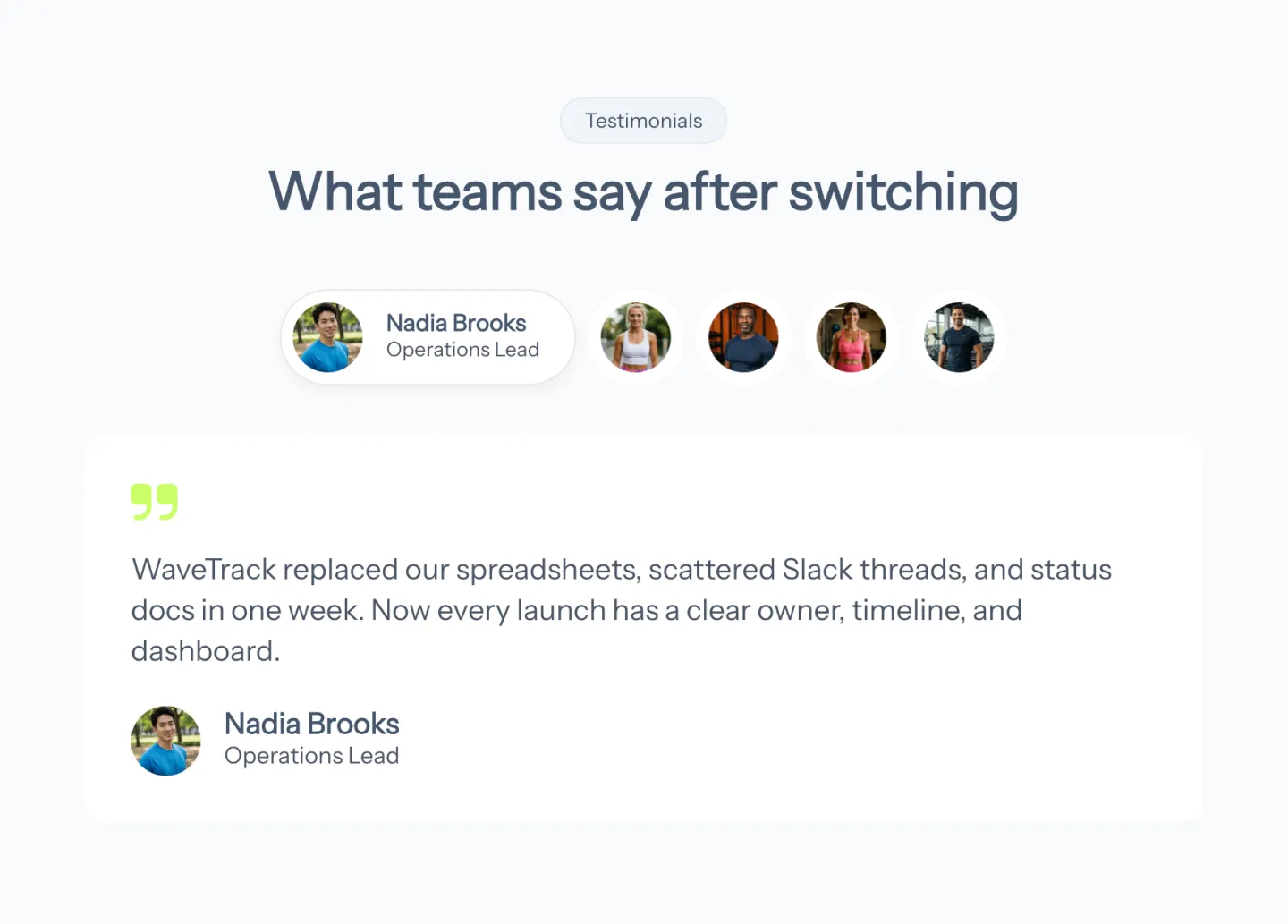
- Testimonials
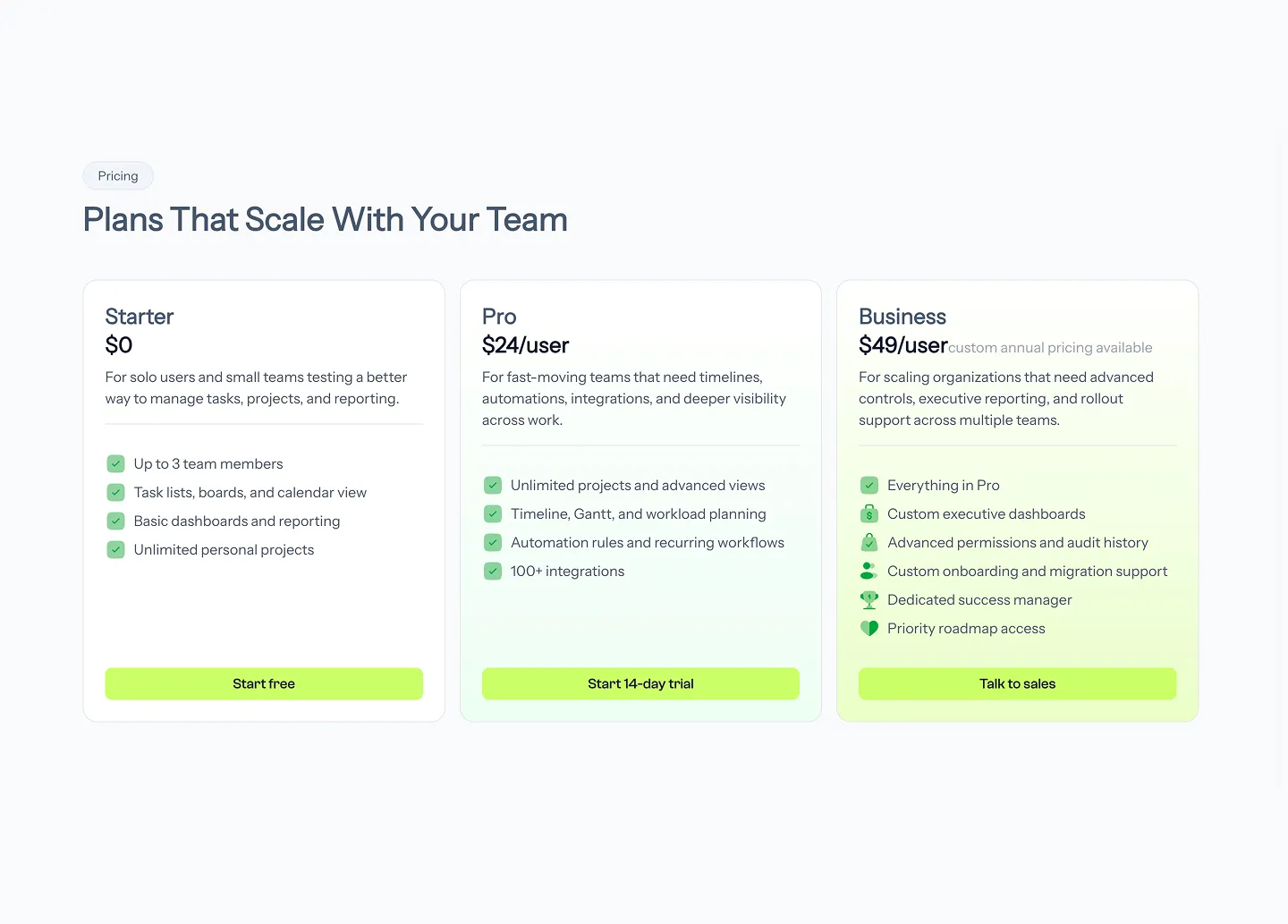
- Pricing plans
Adding New Pages
Create new .astro files in the src/pages directory to add new pages to your site, leveraging the existing components and layouts.
Support
For support, please contact us at [email protected]
$49 / one time payment
Buy once - keep forever